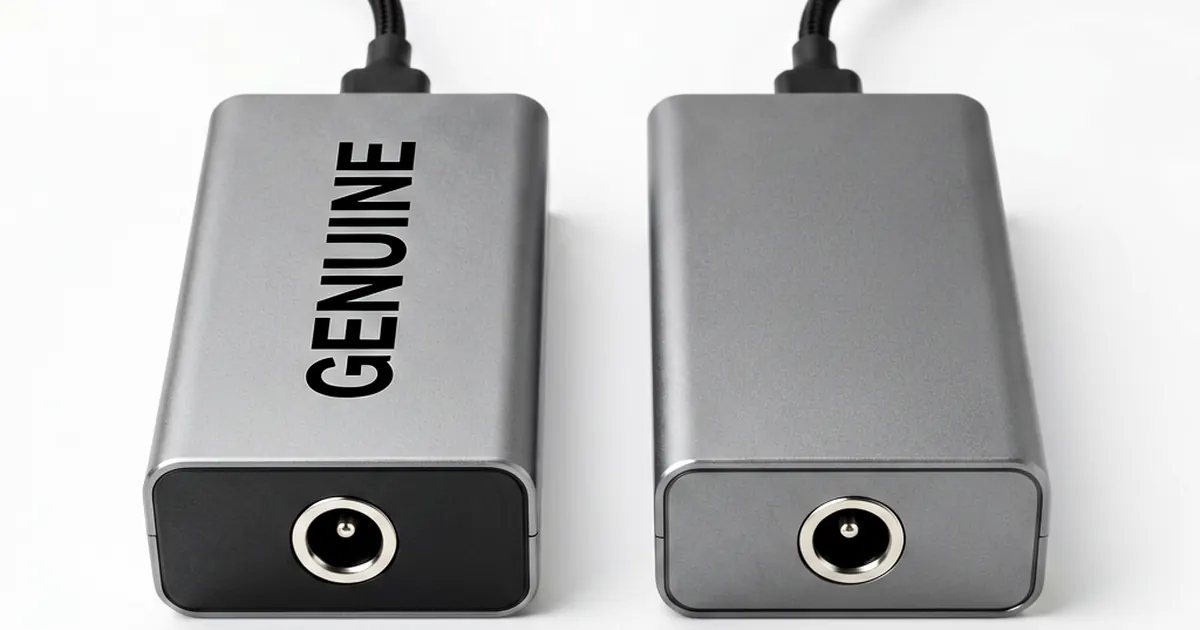
How to Identify Your Laptop's AC Adapter Wattage
Finding the right power supply is critical. Using a weak brick causes headaches.
A technician knows mistakes are expensive. You might throttle your CPU or fry a motherboard if you guess wrong on voltage requirements.
This guide breaks down the math and the hardware specs. We focus on precision, not guesswork.
The Basic Math of Power
You do not need a degree in electrical engineering to find this number. The formula is simple: Watts = Volts × Amps. For example, if your brick says 19V and 3.42A, you have a 65W unit; this is the standard for most ultrabooks.
Check the label carefully. Sometimes manufacturers list only the amperage, which forces you to do the math yourself. If you see a 19V 1.58A AC Adapter Charger Toshiba R33030 N17908 V85, you multiply those two numbers to find the total wattage.
Don't rush this step. A math error leads to a dead laptop or a melted connector.
Where to Find the Specifications
The information is usually in three places. First, look at the original brick; it will have a printed label with output specs. Second, check the bottom of your laptop chassis for regulatory text that lists input requirements.
Some older models hide this info inside the battery bay. If you are working on an old ThinkPad or an early Latitude, you might need to pull the battery to see the sticker. It is a common quirk in hardware design from 2010 to 2015.
If the label is gone, look for the model number. You can often cross-reference that number with a Original 90W HP DV4 DV5 DV6 DV7 AC Adapter Charger New to find the correct match.
Voltage vs. Amperage Rules
Voltage is non-negotiable. If your laptop requires 19.5V, you cannot use a 19V adapter without risking stability or failure; while it might work briefly, the mismatch often triggers erratic behavior during high load states.
Never exceed the maximum rated voltage. An over-voltage situation is an immediate death sentence for the internal power rails and capacitors on your motherboard.
Amperage works differently. You can use a higher amperage adapter than what is required, but you must never use one with lower amps. If you plug a 45W brick into a machine that demands 90W, the laptop will charge slowly or simply refuse to turn on under load.
This mismatch causes performance throttling. The system detects insufficient current and drops the CPU clock speed to prevent a total power collapse.
Common Wattage Standards
Laptop chargers vary wildly depending on the hardware tier. Standard office laptops usually sit in the 45W or 65W range, while gaming machines demand significantly more juice. You will frequently encounter wattages like 90W, 120W, 130W, 180W, and even massive 230W units for high-end workstations.
If you are repairing a workstation, precision matters. Using an New Genuine Dell Precision M90 M6300 AC Adapter PA-13 ensures the workstation gets exactly what it needs for heavy rendering tasks.
Check your requirements. If you are unsure, always aim for the higher wattage as long as the voltage matches perfectly.
Physical Connector Geometry
The math is only half the battle. Even if the numbers match, the plug might not fit. You must check the outer diameter and the inner diameter of the barrel connector to ensure a snug fit.
Some modern laptops use center pins for signal communication. If your adapter lacks this pin when the laptop requires it, the device may fail to recognize the charger entirely. This is common with Dell and HP proprietary systems where the center pin tells the BIOS how much power is available.
Test the fit manually. A loose connection creates heat through resistance, which eventually melts the DC jack or ruins the port.
If you find a perfect electrical match but it won't plug in, stop. Forcing a barrel connector will bend the internal pins and turn a simple charger swap into a complex motherboard repair. If you need a specific HP replacement, look for a Genuine AC Adapter HP 382021-002 PPP009H to avoid these mechanical issues.
Final Verification Steps
Always verify the output with a multimeter if you are dealing with a used or unknown brick. A reading that sits significantly below the label's rating indicates failing internal capacitors. This is common in older units like an Original DELL Laptop AC Charger Adapter PA-3E 90W Slim that has seen years of heavy use.
It's honest work. When you get the specs right, the repair sticks.
Frequently Asked Questions
Can I use a 90W charger if my laptop only needs 65W?
Yes. As long as the voltage matches exactly, using a higher wattage adapter is safe. The laptop will only draw the 65W it requires.
What happens if I use a charger with lower wattage?
A lower-wattage adapter may cause the battery to charge very slowly, or it might not charge at all while you are using the laptop. It can also cause the computer to slow down its performance to save power.
Why is my laptop not charging even though the plug fits?
It could be a voltage mismatch, or the adapter might lack the necessary center pin required for the laptop to recognize it as a valid power source.