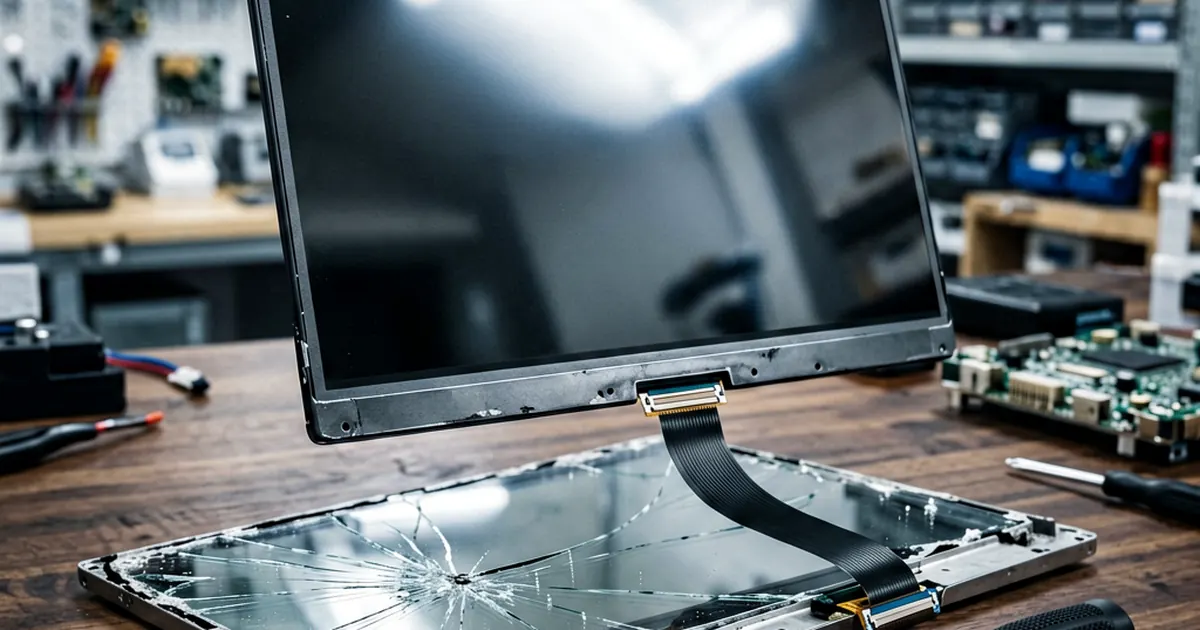
Laptop LCD Screen Replacement Cost (2026 Guide)
Cracked screens happen. You drop the lid or a heavy book lands on it, and suddenly your display is a spiderweb of dead pixels.
The math for repairs can get messy. Most users panic when they see an estimate from a local shop because they don't understand part margins versus labor rates.
We break down the real numbers here. This guide helps you decide if you should pay a pro or grab your precision screwdriver kit and do it yourself.
Panel Pricing by Size
Size dictates everything. A small 13.3" panel is cheap to manufacture, but finding specific high-resolution versions can drive prices up quickly.
For most 13.3" models, a typical wholesale part cost stays between $35 and $85. If you buy a single retail unit from a consumer storefront, expect to pay anywhere from $70 to $150 depending on the brightness levels and color gamut of that specific model.
Larger laptops require more material. A 15.6" panel generally runs between $40 and $110 at wholesale rates, while retail customers should budget $80 to $170 for a reliable replacement. If you are working on a massive gaming rig with a 17.3" display, the wholesale cost sits around $60 to $130.
Don't skip specs. You might find an LP156WH3(TL)(A2) LAPTOP LCD SCREEN 15.6" LED at a great price, but ensure the mounting brackets match your chassis exactly.
Labor vs. DIY Savings
Repair shops charge for expertise and risk. Most technicians will quote a labor fee between $70 and $150 per job to cover their overhead and the time spent troubleshooting connectivity issues.
It is honest work. However, if you are comfortable with small parts, you can save significant money by sourcing your own components through specialized suppliers like Shenzhen-based distributors or local wholesalers.
DIY savings typically range from $80 to $150 per repair. This margin covers the difference between a shop's bundled price and the raw cost of the part plus your time. You must be careful with ribbon cables; one slip can tear a connector off the motherboard, turning a simple screen swap into a total board replacement.
If you have an older machine, like those using an LG LP133WX1-TLA1 1280*800 Glossy 1 CCFL 20pins, the process is slightly different because you are dealing with older CCFL backlighting rather than modern LEDs.
Connector and Resolution Nuances
Don't just match the inches. The most common mistake hobbyists make is buying a screen based on size alone without checking the pin count or the interface type.
Modern laptops almost exclusively use eDP (embedded DisplayPort) interfaces with 30-pin or 40-pin connectors. Older legacy machines might still rely on the older 40-pin LVDS standard, which is not cross-compatible with newer eDP panels regardless of physical dimensions.
You can sometimes perform a resolution uplift during a repair. If your current screen is a low-quality 1366x768 panel, you might be able to swap in a 1920x1080 FHD panel if the connector and pin count match perfectly. This upgrade makes an old laptop feel new again.
Always verify the physical dimensions of the mounting tabs too. An 13.3-inch LCD Screen Panel LP133WX1-TLA1 Glossy 1280x800 might look correct on paper, but if the screw holes are in different positions, it won't seat in your bezel.
Evaluating Your Options
Is it worth fixing? A three-year-old laptop with a cracked screen is usually a prime candidate for a DIY repair because the hardware still holds value. A seven-year-old machine might not be worth the $100 investment if the battery or CPU is also failing.
Compare your quotes carefully. If a shop quotes you $300 for a 15" screen, they are likely marking up the part by nearly 200% to cover their warranty and labor.
Check compatibility first. For example, if you own an older Acer, you might need a specific Universal Laptop Lcd Screen For Acer Aspire One 751h 751H-ZA3 11.6 that is designed for those specific legacy architectures.
We don't recommend guessing. If you aren't sure about the connector type, take a photo of your current screen's sticker and send it to a parts supplier before clicking buy.
Final Hardware Check
Before you order anything, check the backlight type. Modern LED-backlit LCD replacement connectors are standard, but mixing up an old CCFL unit with a new LED unit will result in nothing more than smoke or a complete lack of brightness.
Inventory your tools. You need a high-quality set of Phillips #00 drivers and some plastic spudgers to pry the bezel without cracking it further. A metal screwdriver against a plastic bezel is a recipe for permanent cosmetic damage.
Watch your voltage. When you are reassembling, ensure the battery is disconnected from the motherboard entirely so you don't short out the backlight fuse while plugging in the new display cable.
Frequently Asked Questions
How much does it cost to replace a laptop screen at a shop?
Total cost usually includes the part price plus $70-$150 for labor. The total can range from $150 to over $300 depending on the screen size and resolution.
Can I upgrade my laptop screen resolution?
Yes, you can often replace a lower-resolution screen with a higher one (like 1080p) if the connector type and pin count match your motherboard's specifications.
What should I check before buying a replacement LCD?
You must verify the physical size, the connector type (such as 30-pin or 40-pin), the pin count, and whether your current screen is matte or glossy.