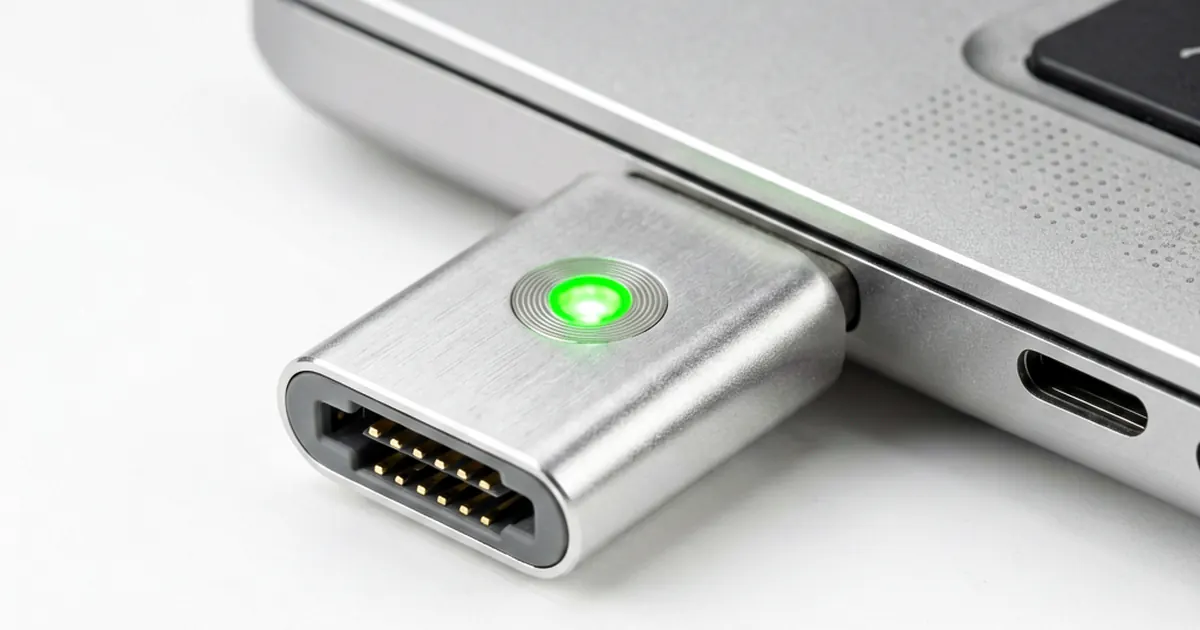
MagSafe Connector Explained — MagSafe 1 vs 2 vs 3
Apple changed everything in 2006. They replaced the standard barrel jack with a magnetic connection system.
It works well. If someone trips on your charging cable, the connector simply pops off instead of dragging your expensive laptop onto the floor. This single design choice saved countless MacBooks from fatal drops during repair shop testing and home use alike.
However, the hardware is not uniform across every model year; you cannot just swap any charger into any port without checking the specific generation first.
The MagSafe 1 Era (2006–2012)
This was the original implementation. It served MacBook Pro and pre-Retina MacBook Air models for several years. You will find two distinct physical styles: the T-shape and the L-shape connector.
The wattage requirements were strict for these machines. Most technicians handle 45W, 60W, or 85W units when servicing older stock. If you are sourcing parts for a vintage client, you might need a New 60W AC Power Adapter Charger For Apple MagSafe MacBook Pro A1172 A1181 to get them running.
Compatibility is a major hurdle here. You cannot use a MagSafe 1 charger on a MagSafe 2 machine without buying a specific, paid adapter that converts the pin layout. It's frustrating for users who expect universal standards across all Apple peripherals.
MagSafe 2: The Retina Transition
In 2012, everything changed again. With the launch of the Retina MacBook Pro, Apple introduced MagSafe 2. This connector is noticeably thinner and wider than its predecessor.
The internal wattage specs remained largely similar to the first generation. You will still encounter 45W, 60W, and 85W configurations in this era. A technician might frequently stock a magsafe laptop ac power adapter for apple macbook 16.5V3.65A 60W to service these slim Retina models.
The physical profile is much sleeker. Because the connector is wider, it sits flush against the chassis of modern aluminum builds. This prevents the cable from snagging on bags or clothing during transport.
MagSafe 3: The Modern Return
Apple skipped MagSafe for a few years while leaning heavily into USB-C. Then came the M1 Pro and M1 Max chips in 2021, bringing MagSafe 3 back to the lineup. This version is significantly more powerful than anything we saw in the 2010s.
The power delivery has scaled up massively. While older models topped out at 85W, MagSafe 3 supports 67W, 96W, and even 140W charging speeds for high-demand tasks. This leap allows professional editors to charge their machines while running heavy rendering workloads without any battery drain.
It also features a smarter chip. The connector is USB-C compatible at the logic level, which helps manage power negotiation more effectively than the old analog pins did. It feels premium. You can tell the difference in the magnetic snap immediately.
Technical Comparison and Wattage Logic
Understanding wattage prevents board damage. Using a low-wattage charger on a high-demand machine might result in extremely slow charging or no charge at all during heavy use. For example, if you try to run an 85W MacBook Pro on a 45W supply, the system may struggle.
Always check the label on the brick before plugging it in. If you are working on older legacy hardware from the late 2000s, finding a NEW For APPLE MAC 85W AC Power Adapter/Charger A1172 is often necessary for peak performance. We see many shops struggle with this because they assume all magnetic chargers are the same.
The generations break down like this:
- MagSafe 1: T-shape or L-shape; 45W to 85W range.
- MagSafe 2: Slimmer/wider design; 45W to 85W range.
- MagSafe 3: Modern high-speed design; 67W to 140W range.
Never mix these up without verifying the port shape first.
Common Repair Scenarios
Magnetic pins often get dirty or oxidized. I frequently see clients with dead charging ports that only need a bit of isopropyl alcohol and a fine brush to clean the contact points. If the magnet is weak, the internal spring mechanism might be failing too.
If the port itself is physically loose on the logic board, it usually requires a micro-soldering repair. Replacing the DC jack assembly can be tricky because Apple often integrates these components directly into the motherboard rather than using a modular daughterboard. It's hard work.
When testing old units, we always check if they are pulling enough current to satisfy the charger. If you have an older Mac that refuses to wake up, ensure your Original Laptop Adapter For Apple 60W 16.5V 3.65A Magsafe White is actually outputting the rated voltage under load.
Hardware evolves quickly. You must keep track of these specific iterations to ensure your repair shop provides reliable service and avoids returns from frustrated customers who bought the wrong part.
Frequently Asked Questions
Can I use a MagSafe 1 charger on a MagSafe 2 MacBook?
No. The physical shapes are different. MagSafe 1 is thicker, while MagSafe 2 is thinner and wider. They are not compatible without a specific adapter.
Will a higher wattage charger damage my laptop?
Generally, no. Modern laptops are designed to pull only the amount of power they need. Using a 85W charger on a 60W laptop is typically safe, but using a charger with too low wattage may result in slow charging.
How can I tell which MagSafe version I have?
Look at the connector. If it is thick and T-shaped, it is likely MagSafe 1. If it is thin and wide, it is MagSafe 2. If it is a newer model with M1/M2/M3 Pro chips, it is MagSafe 3.