Top 10 Laptop Repair Tools Every DIY Technician Needs
Repairing laptops is rewarding. It saves money. However, using the wrong tool will ruin a motherboard instantly.
You cannot use a kitchen knife to pry an enclosure open. You need specific gear for small components and delicate traces. Precision matters more than speed in this hobby.
Essential Driver Sets
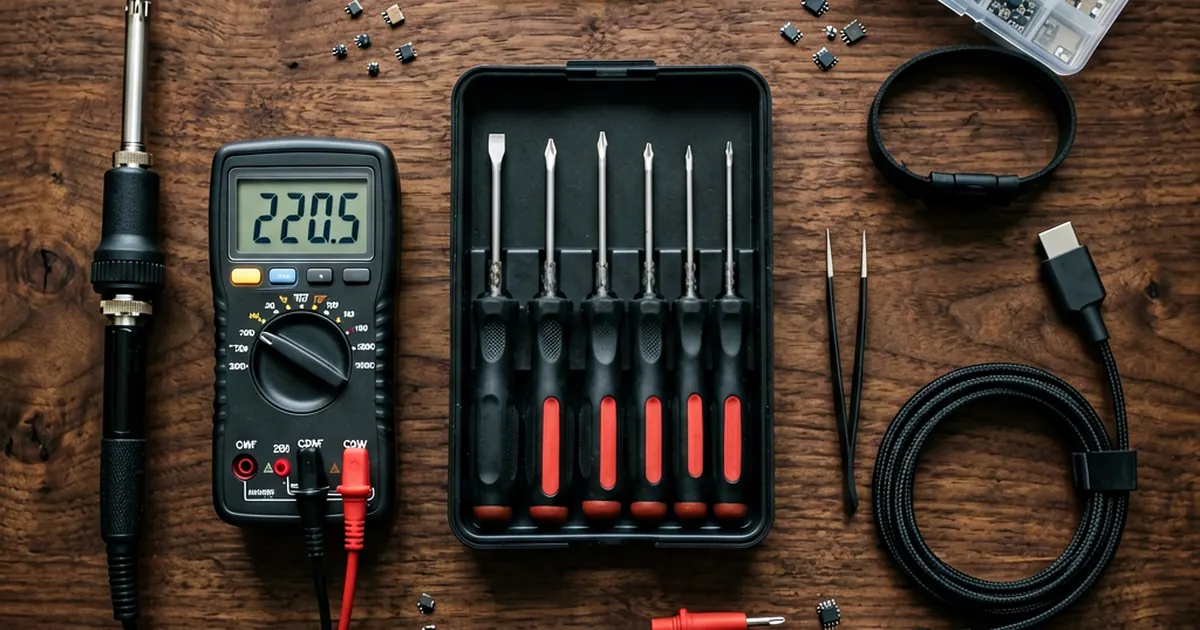
The first thing you need is a high-quality precision screwdriver set. Most modern laptops rely heavily on Torx T5, T6, or T8 screws to keep the chassis tight; if you use a driver that is even slightly too small, you will strip the head and turn a simple repair into an expensive nightmare.
I personally recommend the iFixit Pro 65-bit set for its variety. If you are on a tighter budget, a decent Wiha kit provides enough torque for most tasks. Always verify your screw sizes before you start prying against the plastic shell.
Many Dell and HP models use specific security bits that generic sets often miss. Check your model's service manual first. Don't guess.
Opening the Chassis Safely
Plastic spudgers are non-negotiable. You should buy a 6-piece set of blue or green plastic spudgers to avoid marring the casing. Metal tools are tempting, but they will scratch your finish and potentially short out a live circuit if you slip.
Tweezers with fine, non-magnetic tips help when handling tiny M.2 screws or ribbon cables. If you find yourself working on older hardware like a HP Pavilion DV3 Series DC Power Jack Cable, these tweezers are vital for navigating tight spaces around the hinge.
Keep things organized. A magnetic parts organizer is a lifesaver because screws love to disappear into carpet fibers or under your desk during an intensive teardown.
Electrical Diagnostics and Power
You must own a reliable multimeter for troubleshooting power rails. The Fluke 101 is the gold standard, though the Uni-T UT139A offers great value for those just starting out. You need to measure voltage at the DC jack to ensure your New Genuine Dell Precision M90 M6300 AC Adapter PA-13 is actually delivering the rated current to the motherboard.
If a laptop won't turn on, it might be the charger itself. Testing a 19V 1.58A AC Adapter Charger Toshiba R33030 N17908 V85 with a multimeter is the first step in any diagnostic workflow.
Always check for continuity. It prevents you from replacing expensive parts when only a fuse has blown.
Soldering and Thermal Management
Soldering requires patience. For beginners, a Pinecil provides decent control, but professional shops usually prefer the Hakko FX-888D or a Weller WE1010 for thermal stability. If you plan to perform chip-level reflow work, you will eventually need a dedicated hot air rework station.
Heat can kill components quickly. Use a temperature-controlled iron to avoid overheating the delicate pads on the PCB; otherwise, you might lift a trace and cause permanent damage that is nearly impossible to repair without advanced micro-soldering skills.
Clean your workspace often. Dust buildup inside fans causes thermal throttling, so keep a can of compressed air or an electric duster nearby for routine maintenance.
ESD Protection Standards
Electrostatic discharge is the silent killer of electronics. You must use an anti-static wrist strap and an ESD mat to protect sensitive CMOS chips from static buildup in your body. Even a tiny spark that you cannot feel can fry a capacitor or a logic gate.
Work on a dedicated surface. Avoid working on carpets or while wearing wool sweaters, as these materials generate massive amounts of static electricity through friction.
Safety comes first. It's honest work, but it requires discipline to avoid destroying client hardware with preventable mistakes.
Frequently Asked Questions
Do I really need an anti-static wrist strap?
Yes. Static electricity can destroy a motherboard instantly without you even knowing it happened. Using an ESD strap is the best way to protect your work.
Can I use a regular screwdriver for laptop repairs?
It is not recommended. Laptop screws are extremely small and fragile. Standard screwdrivers often lack the precision needed, which leads to stripped screw heads.
What is the most important tool for beginners?
A high-quality precision screwdriver set is your starting point. Without the ability to open the device safely, you cannot perform any other repairs.