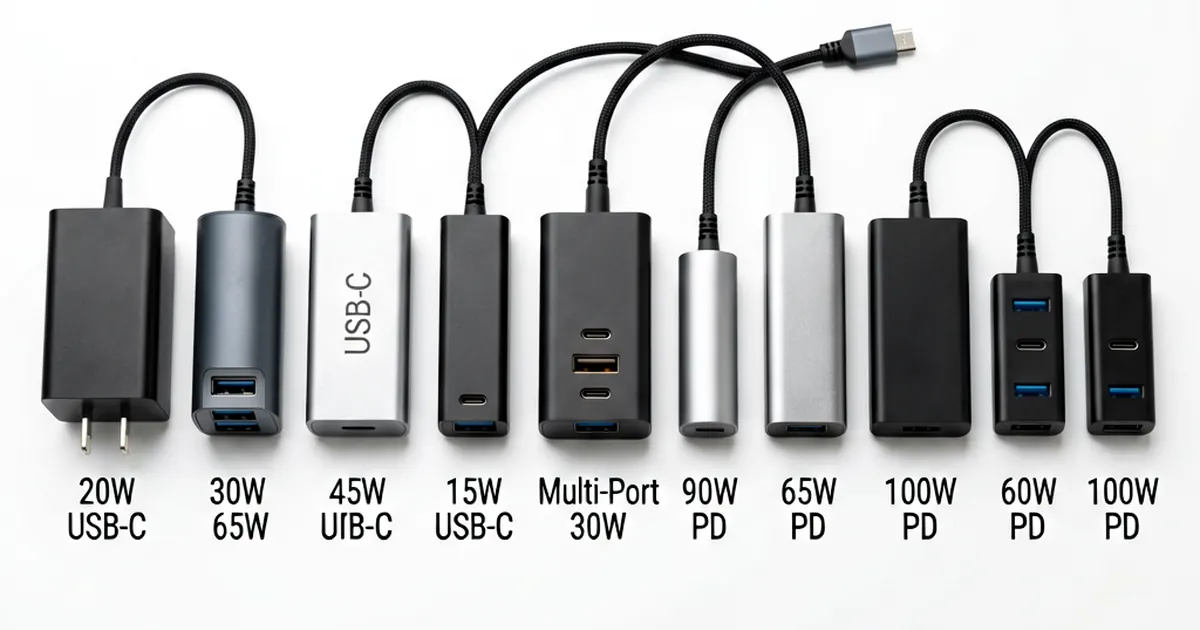
Universal Laptop AC Adapter Compatibility Chart
Don't guess with power. A wrong choice kills motherboards.
Technicians often reach for a universal laptop charger when a client brings in an unidentified machine. It is tempting to just swap tips and pray, but electricity follows strict rules that do not care about your deadline.
You must verify three specific metrics before plugging anything in: voltage, amperage, and pin configuration. If you miss one, you might turn a simple charger replacement into a full board repair.
The Voltage Rule
Voltage is non-negotiable. Most modern laptops run on standard rails like 15V, 16V, 18.5V, 19V, 19.5V, or 20V. If you use a 24V adapter on a 19V machine, the voltage regulator will likely fry instantly.
A small margin exists for error. A ±5% tolerance is generally safe for most consumer electronics; however, exceeding a ±10% variance risks permanent hardware damage during high-load tasks. For example, if you are using a 19V 3.16A laptop AC Adapter on a machine rated for 19.5V, the device might still function, but you are pushing the limits of safety.
Always check the underside sticker first. Dell and HP machines typically live in the 19V to 19.5V range. If you find an older MacBook, you may need a specialized OEM 16.5V 3.65A 60W AC Adapter for APPLE MacBook A1184 NEW to match its specific requirements.
Amperage and Current Draw
Amperage works differently than voltage. Think of voltage as pressure and amperage as the flow rate available in a reservoir. The adapter's amperage rating must be greater than or equal to what the laptop demands.
Higher is better. If a laptop requires 3.42A, using a 4.7A charger is perfectly safe because the laptop only pulls what it needs. Using an undersized charger causes heat buildup and slow charging speeds; in extreme cases, the adapter might shut down or blow a fuse due to overcurrent protection.
We see this often with Lenovo systems. Many newer Lenovo models prefer 20V rails with higher amperage requirements than older IBM-era units. If you try to run a high-performance workstation on a low-wattage Laptop AC Adapter Charger for ACER ASPIRE 5515 5520 5530 5535, the battery may drain even while plugged in.
Pin Detection and Signal Pins
The physical tip is only half the battle. Many manufacturers, specifically Dell, HP, and Acer, use a three-pin design where the center pin acts as an ID signal. This tiny needle sends data to the laptop's charging controller to confirm the adapter is authentic and capable of providing full power.
Without this handshake, the laptop might refuse to charge the battery. It may throttle the CPU to its lowest clock speed to save energy. You might see a "plugged in, not charging" error in Windows despite having a perfect voltage match.
Universal kits typically ship with 8-12 tip adapters to cover various diameters. However, these generic tips often lack the sophisticated ID circuitry found in an original Laptop Power Adapter For Dell Latitude D610 D620 D630 D631 Pa 12. If the signal pin is missing or poorly manufactured, don't expect full performance.
Brand Specific Voltage Mapping
Different brands have developed their own standards over decades of production. You cannot treat a Lenovo charger like an Apple MagSafe connector. While they both provide power, the architecture is fundamentally different.
Apple pre-2016 MagSafe models are notorious for having multiple specific voltages including 14.5V, 16.5V, 18.5V, and 20V. A technician should never guess between a New 60W AC Power Adapter Charger For Apple MagSafe MacBook Pro A1172 A1181 and an 85W version without checking the specific model number first.
Lenovo and IBM tend to gravitate toward the 20V standard. This makes them slightly easier to identify in a pinch, but you still must match the plug dimensions perfectly. A mismatch here usually leads to physical damage to the DC jack itself.
Always verify the label. It is your best tool for preventing expensive mistakes during bench testing or client repairs.
Frequently Asked Questions
Can I use a charger with higher amperage than my laptop requires?
Yes. As long as the voltage matches, a higher amperage rating is safe. The laptop will only draw the amount of current it needs.
What happens if I use a charger with higher voltage?
Using a higher voltage can cause permanent damage to the laptop's motherboard and internal components. Always match the voltage or stay within a 5% tolerance.
Why does my laptop turn on but won't charge the battery?
This is often due to missing signal pins. Some brands like Dell and HP use a third pin in the connector to communicate with the laptop. If the adapter lacks this signal, the battery will not charge.
Is it safe to use a universal charger for every brand?
It is safe if you carefully match the voltage, amperage, and tip type. However, specialized chargers are often more reliable for specific brands like Apple or Lenovo.